What’s it about?
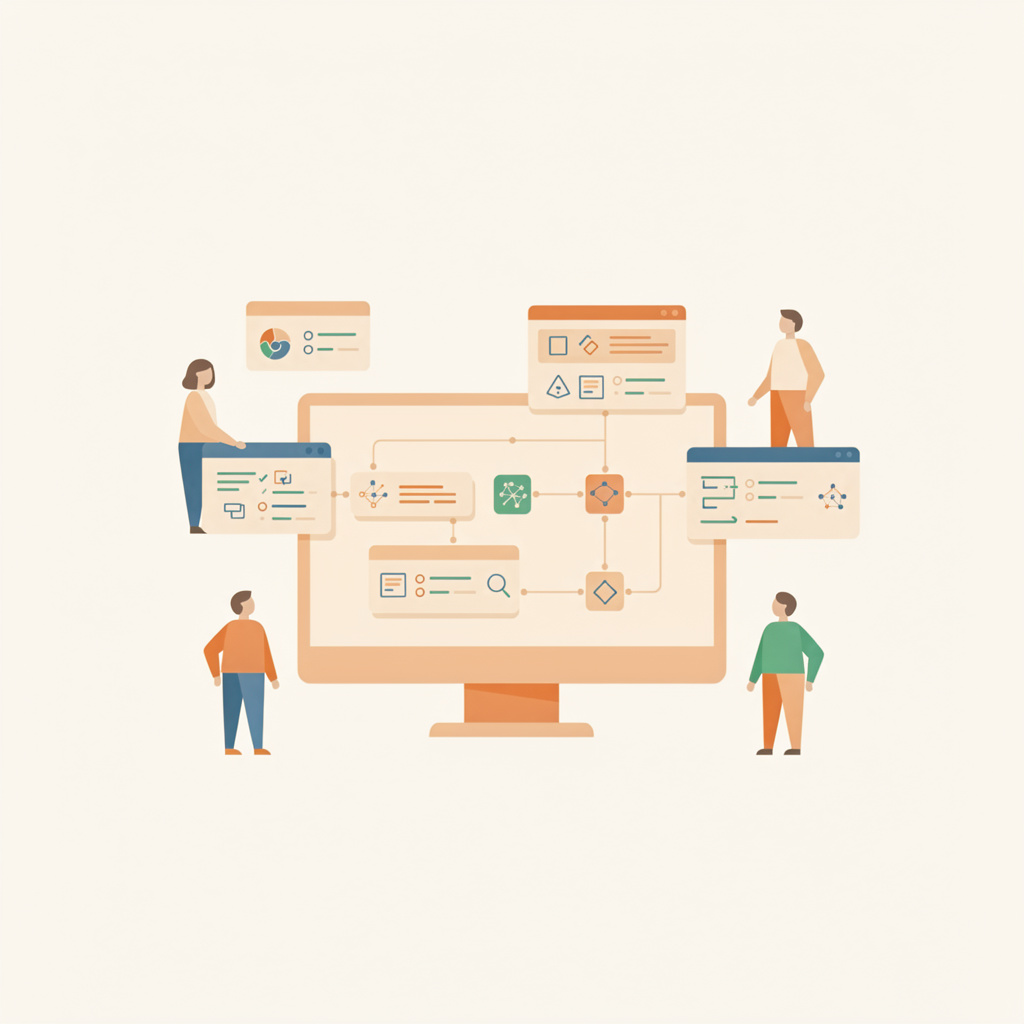
Microsoft provides Windows users with Power Automate Desktop — a tool that can automate recurring computer tasks without programming knowledge. The application uses Robotic Process Automation (RPA) to replace manual activities with so-called Desktop Flows. Users can thereby make time-consuming processes such as data entry, form filling, or communication between different programs more efficient.
The software is characterized by its visual user interface, which works with drag-and-drop elements. Alternatively, workflows can also be recorded using a recorder that automatically converts the performed actions into executable flows. Integration with common applications such as Excel, Outlook, and various web browsers enables seamless automation across application boundaries.
Background & Context
Robotic Process Automation has established itself as an important tool for digitalization in recent years. Power Automate Desktop brings this technology to the desktop of individual users and makes it accessible without license costs. The software has an extensive library of pre-configured actions covering common automation scenarios — from sending emails to file management to data extraction.
Newer versions have expanded the feature set and offer, for example, special actions for SAP systems and the ability to securely store credentials in Azure Key Vault. The March 2025 update brought further improvements for desktop automations. The software connects local desktop automation with cloud-based features of the Power Platform, enabling companies to implement hybrid automation strategies.
Compared to traditional RPA solutions, the focus is on low entry barriers. Testing functions allow users to check their flows before production use and identify errors early. Integration into the Microsoft ecosystem also allows combination with other Power Platform services for more comprehensive automation scenarios.
What does this mean?
- Cost savings: Free availability significantly lowers the threshold for initial automation projects and enables pilot projects without investment risk.
- Democratization of automation: The no-code approach allows business departments to optimize their own processes without relying on IT resources.
- Error reduction: Rule-based automation of repetitive tasks minimizes human errors in data entry and processing.
- Scalability: The connection to the cloud version of Power Automate enables the expansion of local automations into company-wide workflows.
- Fast implementation: Pre-built actions and recorder functions significantly accelerate the development and deployment of automations.
Sources
Microsoft Power Automate Desktop (Computer Bild)
Introduction to Power Automate Desktop (Microsoft Learn)
March 2025 Update of Power Automate for Desktop (Microsoft Power Platform Blog)
Microsoft Power Automate Tutorial (Dynamica Labs)
Power Automate Desktop Guide (Amaxra)
This article was created with AI and is based on the cited sources and the language model’s training data.